



Opening a new corporate office in Mohali involves several important decisions, from selecting the right commercial space to recruiting employees and establishing daily business operations. One of the most critical responsibilities is preparing the IT infrastructure before the first employees join.
A modern office depends on reliable computing equipment, networking, communication systems, data security and technical support. Whether a company is establishing a small corporate team, expanding a software development centre or launching a large Global Capability Centre (GCC), having the right IT equipment ready from day one can make a significant difference to operational efficiency.
For businesses setting up offices in areas such as Mohali IT City, Sector 67, Sector 74, Sector 82 and Aerocity, IT planning should begin well before the office opening date. A structured checklist helps management, procurement and IT teams identify equipment requirements, coordinate deployment and avoid last-minute delays.
This guide covers the essential IT equipment and infrastructure businesses should consider before opening a new office in Mohali.
Before purchasing or arranging equipment, businesses should prepare an IT infrastructure plan based on their expected employee strength, departments and operational requirements.
A software development company may need high-performance laptops, multiple monitors and specialised workstations. A corporate support centre may require standardised desktops, headsets and networking equipment. A management or consulting office may have different computing and communication requirements.
Start by identifying:
For example, a company opening with 50 employees but planning to reach 150 employees within six months should consider future capacity while designing its infrastructure.
A clear plan helps avoid unnecessary purchases and ensures that equipment is suitable for actual business operations.
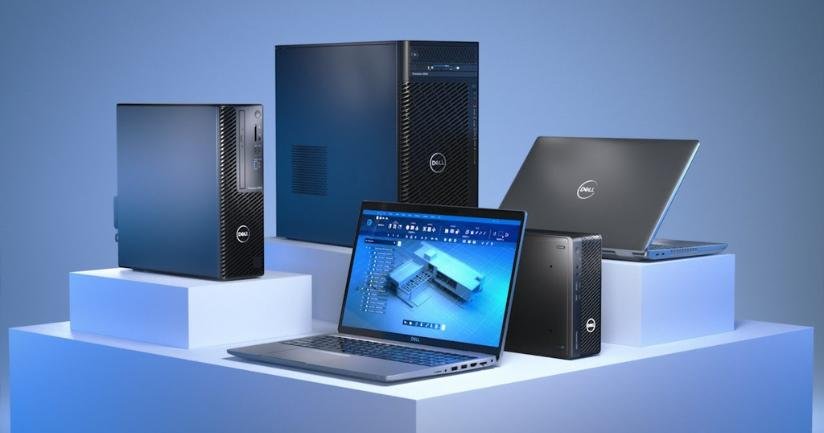
Laptops are among the most important equipment requirements for a new corporate office. They provide employees with the computing power needed for communication, documentation, business applications, development work and project execution.
The configuration should depend on the employee’s role rather than assigning identical specifications to every department.
Standard business laptops are suitable for HR, administration, finance, operations, sales and management teams.
When selecting these devices, consider:
Software developers, engineers, designers and technical teams may require more powerful configurations.
Depending on their applications, these laptops may need higher-end processors, 24GB or 32GB RAM, larger SSD storage and dedicated graphics.
Businesses planning bulk laptop requirements can explore Rental Plaza’s laptop solutions for corporate equipment arrangements.
Some companies prefer Apple devices for selected departments, particularly where their software development, design or business workflows depend on macOS.
MacBooks can be considered for:
Before finalising MacBook configurations, check application compatibility, RAM requirements, storage capacity and integration with the company’s IT management policies.
Companies should also decide whether MacBooks will be assigned to specific departments or included in a standardised device allocation policy.
Explore MacBook solutions from Rental Plaza for business equipment requirements.
Although laptops are widely used in corporate offices, desktop computers remain useful for departments that operate from fixed workstations.
They can be suitable for:
Desktop configurations should be selected according to the software and workload requirements of each department.
Businesses should also consider the physical workspace, monitor size, power backup and cable management before installing desktop systems.
For companies establishing fixed workstation environments, Rental Plaza’s desktop solutions can be included in the equipment planning process.
A complete workstation requires more than a laptop or desktop. Employees may need additional accessories to work comfortably and efficiently.
The required accessories will depend on job roles, workstation layouts and company policies.
Essential accessories include:
For software developers, analysts and finance teams, dual-monitor setups may improve workflow efficiency. Meeting rooms may require larger displays and conferencing accessories.
Maintain an accessory checklist for every department so that equipment is available before employee onboarding.
Reliable internet connectivity is essential for almost every modern corporate operation. Employees depend on cloud applications, email, video conferencing, project management platforms and internal business systems.
A new office should have its networking infrastructure planned and tested before employees start working.
| Equipment | Purpose |
|---|---|
| Enterprise Router | Manages internet connectivity |
| Network Switches | Connects wired office devices |
| Wi-Fi Access Points | Provides wireless connectivity |
| Firewall | Helps secure network traffic |
| LAN Cabling | Connects fixed workstations |
| Network Rack | Organises networking equipment |
| Patch Panels | Supports structured cabling |
| Network Monitoring Tools | Helps monitor connectivity and performance |
The internet connection should be selected according to the number of employees, expected bandwidth consumption and business applications.
For larger offices, businesses should evaluate whether a secondary internet connection is required for continuity.
Network segmentation can also help separate corporate devices, guest Wi-Fi, servers and other internal systems.
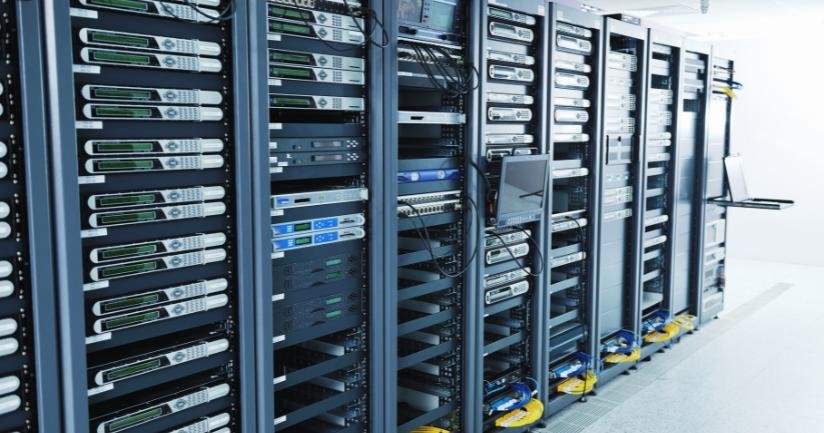
Not every office needs a dedicated on-premises server. Many organisations use cloud-based infrastructure for applications, storage and collaboration.
However, some companies may require local computing and storage equipment depending on their technical environment.
Potential equipment requirements include:
For example, a software development company may need dedicated development environments, while a data science team may require GPU-based computing resources.
Before installing server equipment, assess power availability, cooling, physical security, network connectivity, backup requirements and maintenance responsibilities.
Businesses with specialised computing needs can explore server solutions from Rental Plaza.
Even in offices that use digital workflows, printing and scanning requirements may remain part of daily operations.
The number and type of printers should be based on actual document volume and departmental requirements.
Consider the following:
A shared network printer may be sufficient for a small office, while larger offices may require multiple devices across departments or floors.
Businesses should also define who can access printing equipment and how confidential documents will be handled.
Corporate offices frequently coordinate with clients, international teams, vendors and employees working from other locations.
Meeting rooms should therefore have suitable video conferencing equipment.
Essential meeting room equipment may include:
The equipment should be compatible with the organisation’s preferred communication platforms.
Before the office launch, conduct test meetings from every conference room to verify audio quality, camera positioning, display connectivity and internet performance.
IT equipment requires a stable power supply. Power interruptions, voltage fluctuations and inadequate electrical planning can affect business operations and potentially damage equipment.
Before opening the office, evaluate the electrical capacity and backup arrangements.
Important requirements include:
The backup capacity should be calculated based on the connected equipment and the expected backup duration.
For offices operating servers, networking equipment or critical workstations, power planning should receive additional attention.
Security should be included in the IT equipment checklist from the beginning rather than added after the office becomes operational.
Corporate devices may handle business documents, customer information, financial records, source code and confidential internal communication.
Companies should establish security requirements for every device before assigning it to an employee.
Key security measures include:
IT teams should also create procedures for employee onboarding, device handover, access changes and employee exits.
These measures help maintain control over corporate devices as the organisation grows.
When a company opens a new office, multiple devices and accessories may be deployed within a short period.
Without proper documentation, IT teams may struggle to identify which equipment has been assigned to which employee or department.
An asset register should be prepared before the first deployment.
It should include:
Asset tagging can make it easier to identify equipment during audits, transfers, maintenance and replacement.
For companies planning deployments across multiple locations, centralised asset tracking is particularly important.
Once the office becomes operational, businesses need a clear process for handling technical issues.
Hardware failures, connectivity problems, software conflicts and damaged accessories can interrupt employee productivity.
Before opening the office, establish:
Companies working with an external equipment provider should review the applicable service terms, response expectations and replacement conditions.
A documented Service Level Agreement (SLA) can help define responsibilities and escalation procedures. Businesses can refer to Rental Plaza’s Enterprise Support SLA when evaluating enterprise equipment support requirements.
A new office requires considerable financial planning. One important decision is whether to purchase all IT equipment or use a combination of ownership and flexible rental arrangements.
Purchasing may suit companies with stable employee strength, predictable hardware requirements and a long-term equipment lifecycle plan.
However, businesses must account for upfront investment, depreciation, maintenance, replacement and future upgrades.
Flexible arrangements can help companies align equipment requirements with hiring schedules and project durations.
They may be useful for:
A hybrid approach may also work well. For example, a company can purchase core networking infrastructure and use flexible arrangements for additional laptops, desktops or specialised systems.
The final decision should consider total cost, equipment usage period, contractual conditions, support requirements and future expansion.
Use the following checklist to review readiness before employees join.
| Category | Checklist |
|---|---|
| Employee Devices | Laptops, desktops and MacBooks |
| High-Performance Systems | Workstations and GPU systems, if required |
| Accessories | Monitors, keyboards, mice, docks and headsets |
| Networking | Router, switches, firewall and Wi-Fi |
| Internet | Primary connection and backup planning |
| Servers | Servers and storage, if required |
| Printing | Printers, scanners and consumables |
| Meeting Rooms | Displays, cameras and microphones |
| Power | UPS, surge protection and backup |
| Security | Endpoint protection and access policies |
| Asset Management | Inventory, tagging and employee allocation |
| Deployment | Device configuration and testing |
| Support | Escalation and replacement procedures |
| Expansion | Additional equipment and hiring forecast |
The checklist should be reviewed jointly by IT, procurement, finance, administration and department managers. This ensures that technical requirements, budgets and operational priorities are aligned.
Preparing IT infrastructure for a new corporate office requires coordination across multiple equipment categories. Businesses need the right devices, suitable configurations, planned deployment schedules and a clear approach to ongoing support.
Rental Plaza supports corporate IT equipment requirements across India, including laptops, MacBooks, desktops, workstations, servers and other business computing equipment.
For companies opening or expanding offices in Mohali, Rental Plaza can help coordinate requirements such as:
With over 25 years of industry experience, Rental Plaza focuses on business and enterprise requirements, helping organisations plan equipment arrangements around their operational needs.
Businesses can visit Rental Plaza Enterprise Solutions to explore corporate equipment requirements and discuss deployment plans.
Opening a new office in Mohali requires more than arranging desks and internet connectivity. Businesses must prepare a complete IT environment that supports employees, protects company information and accommodates future growth.
From laptops and desktops to networking, servers, meeting room systems, power backup and cybersecurity, every component should be planned according to the organisation’s operational requirements.
A detailed IT equipment checklist helps companies identify missing requirements, coordinate deployment and ensure employees have the tools they need from their first working day.
Whether you are setting up a 25-person office, expanding a 100-member team or preparing infrastructure for a larger GCC or MNC operation, a structured IT equipment plan can make the office launch more organised.
Planning to open a new corporate office in Mohali? Contact Rental Plaza to discuss bulk laptops, desktops, MacBooks, workstations and server requirements for your business.